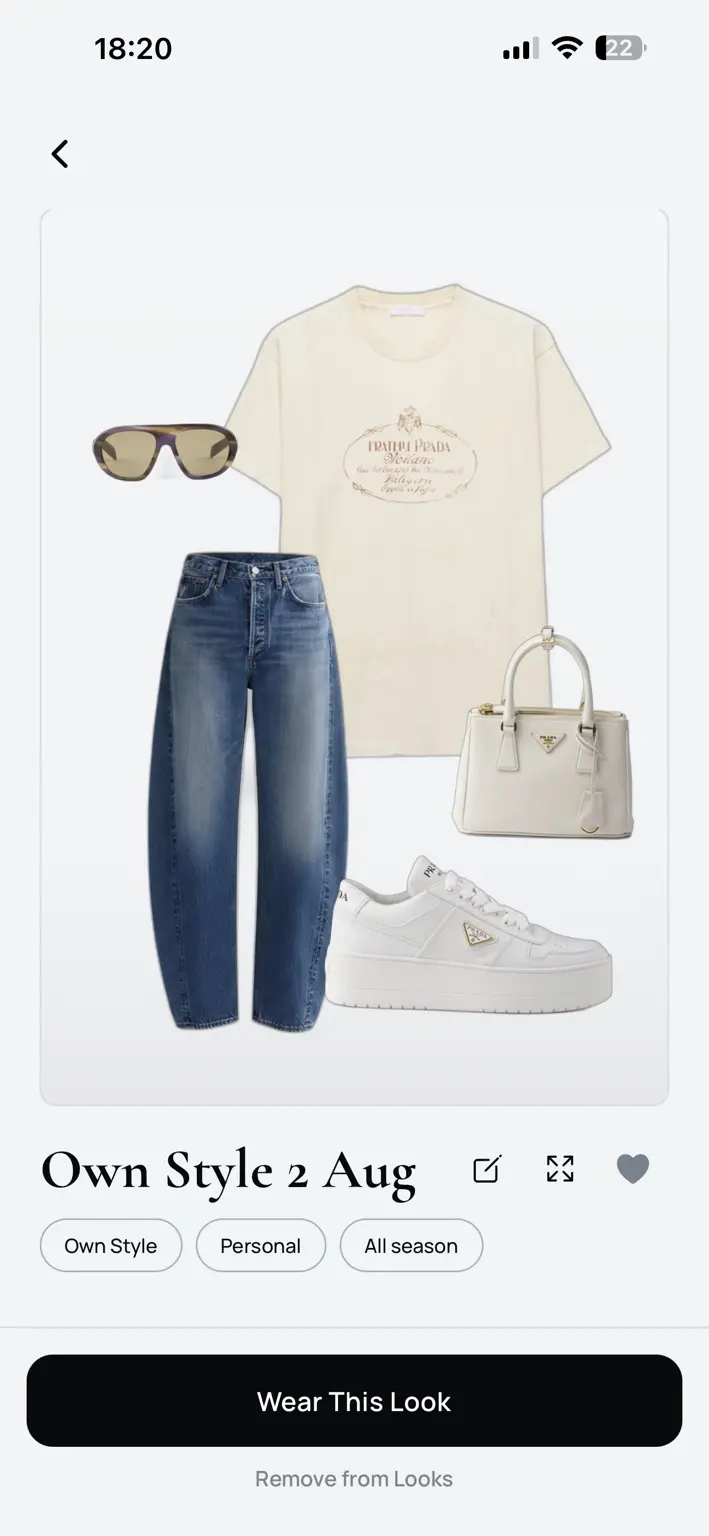
OWN STYLE
Choose the pieces. Compose the frame. Save the result. Own Style is free and unlimited manual outfit creation.
TYALO / DIGITAL WARDROBE SYSTEM
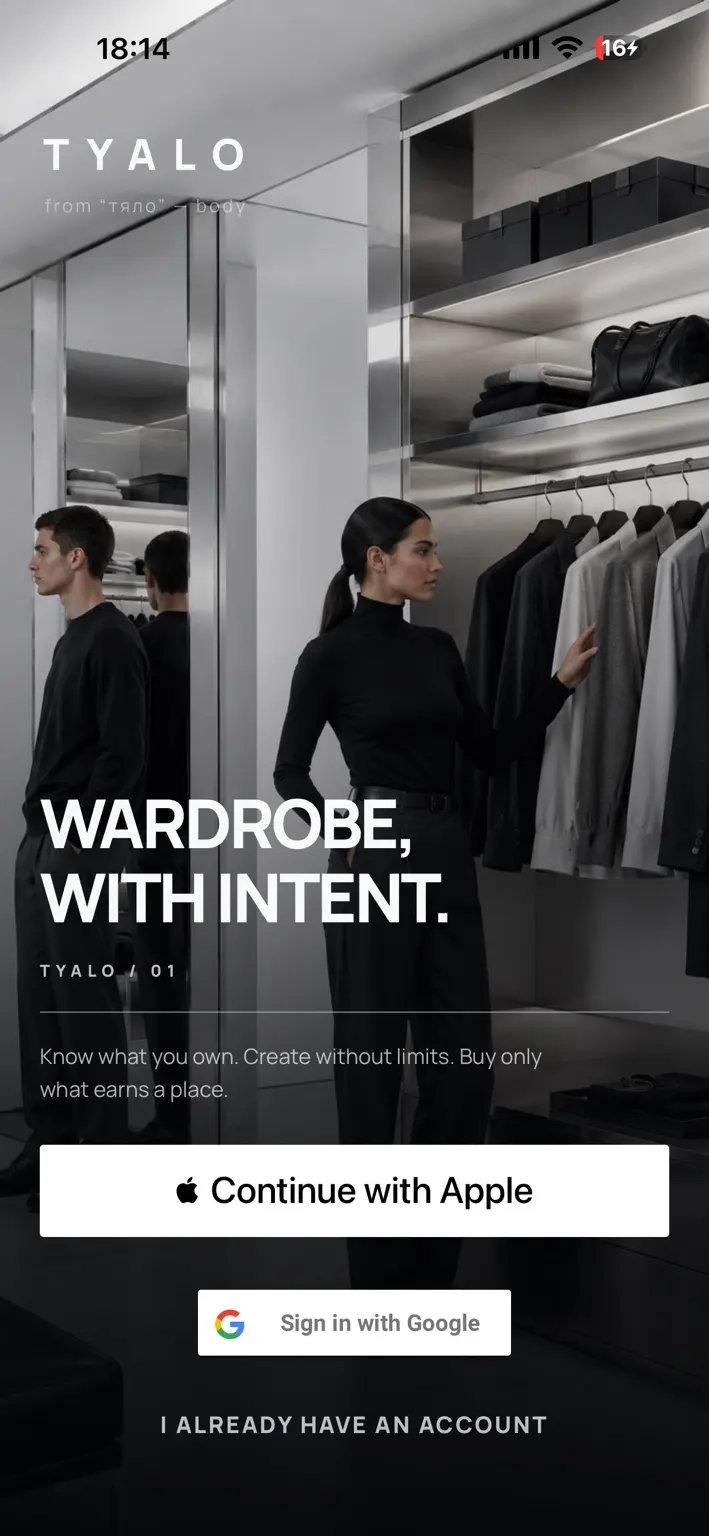
Know what you own. Build your own looks freely. Use wardrobe-grounded intelligence to decide what belongs.
Available now on the App Store.

Sign in with Apple or Google in TYALO.
01 / Wardrobe system
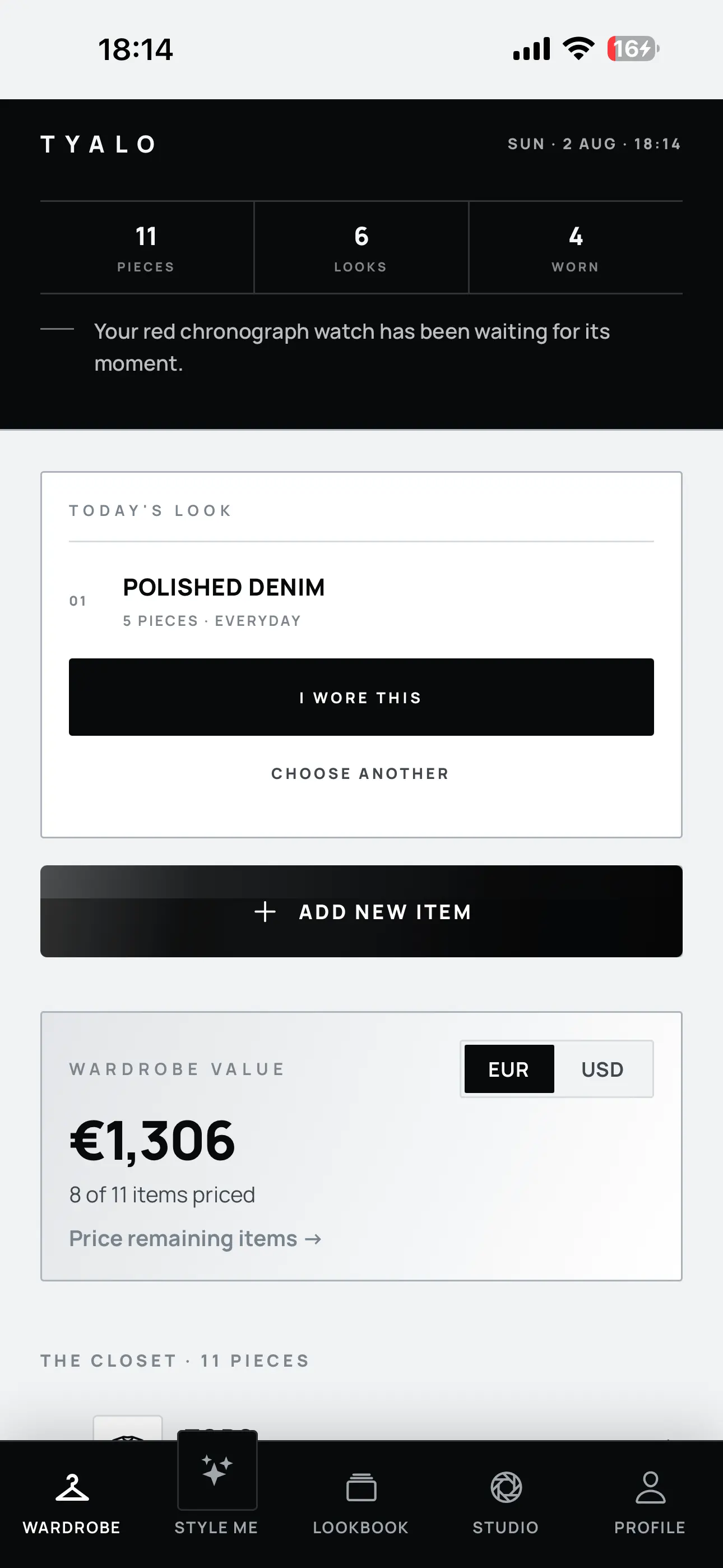
Add a piece, confirm its details, and place it inside a wardrobe that tracks more than a count.
Wardrobe intelligence built around what you own.
WARDROBE / LIVE SYSTEM
02 / Style system
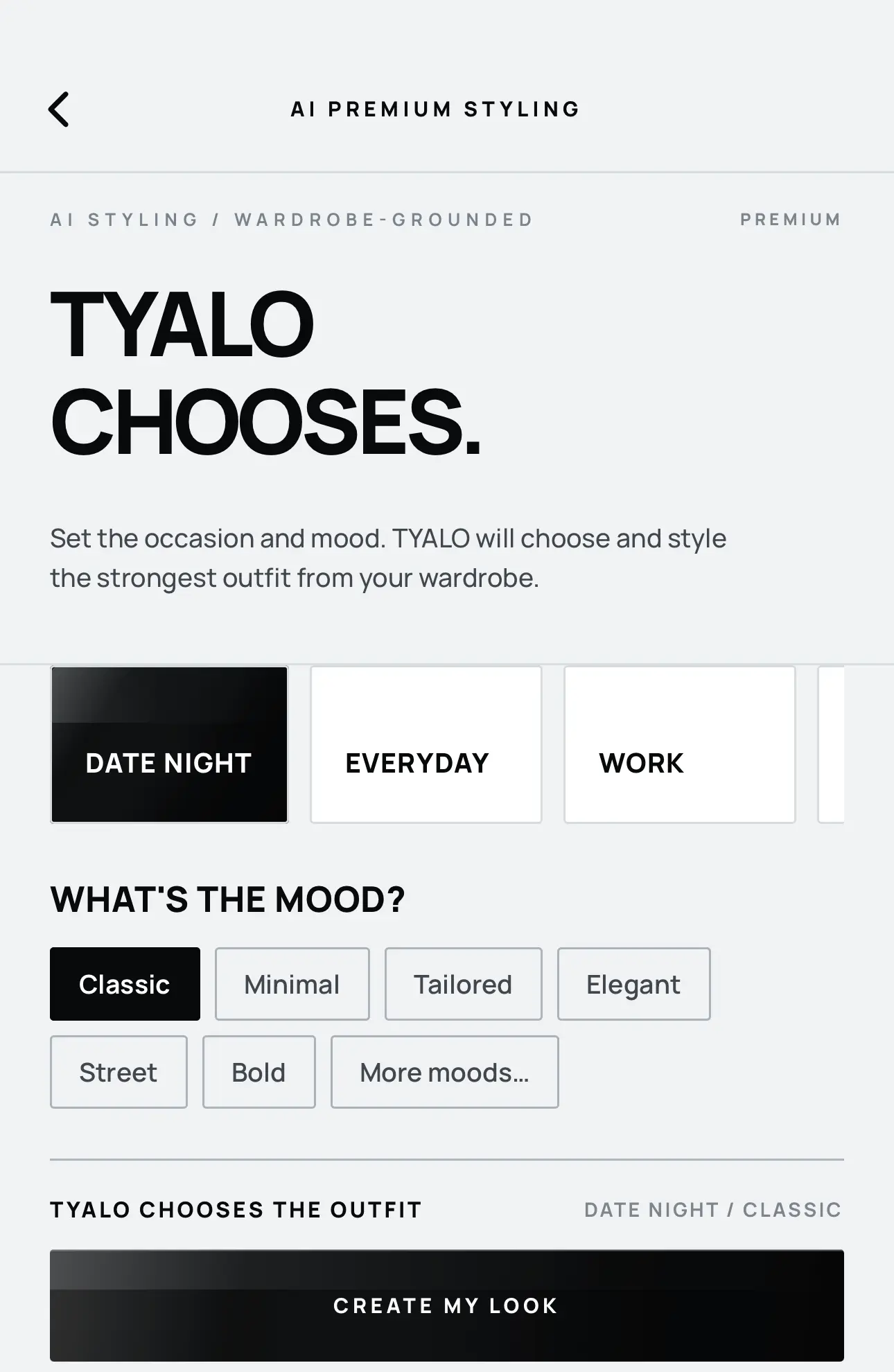
Manual composition stays open. Premium styling gives you a wardrobe-grounded second point of view.
Choose the pieces. Compose the frame. Save the result. Own Style is free and unlimited manual outfit creation.
Set the occasion and mood. TYALO chooses and styles an outfit from your wardrobe, with included usage limits.
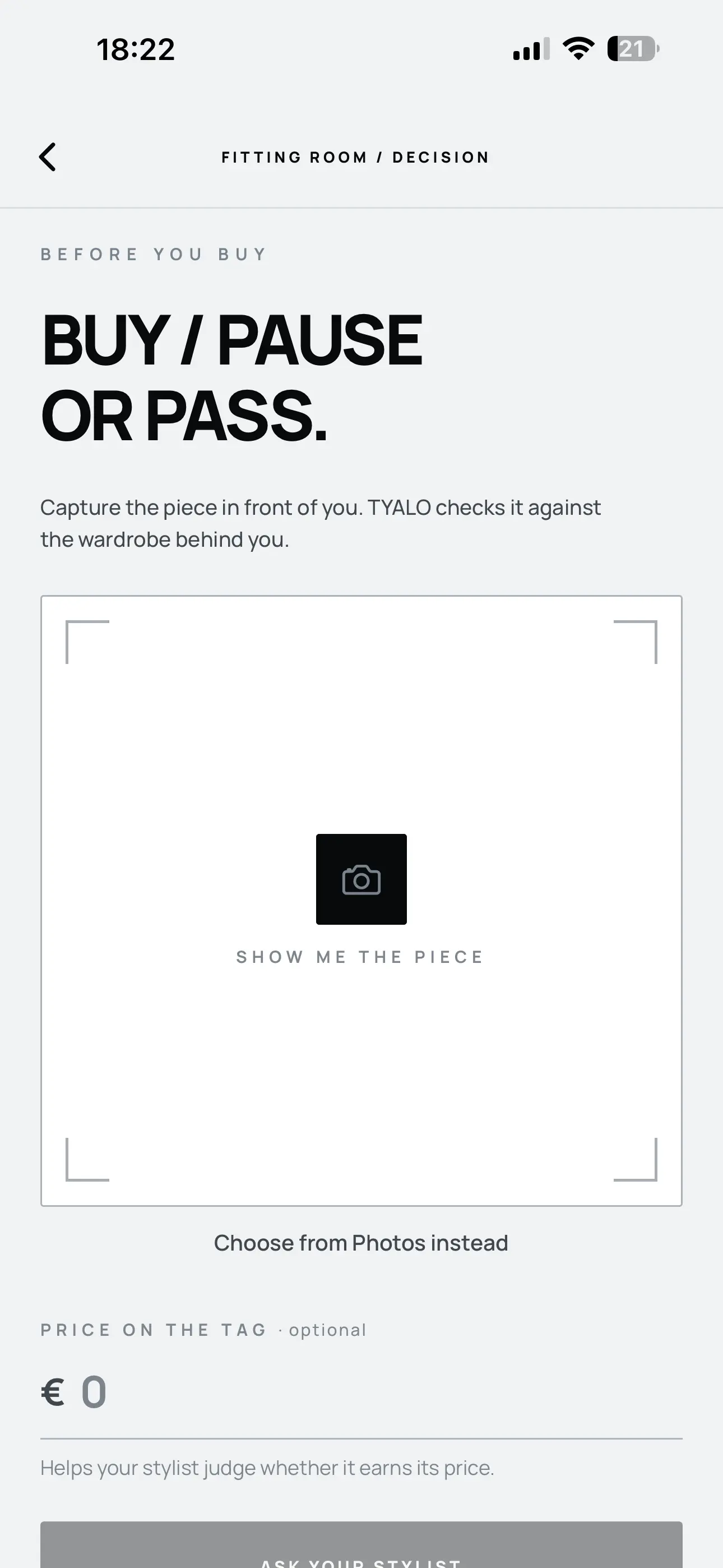
03 / Before you buy
The Fitting Room checks the piece in front of you against the wardrobe behind you, then returns a wardrobe-aware verdict.
Consider compatibility, a real wardrobe gap, and whether the piece earns its price and space. Expanded access follows plan-based usage limits.
SYSTEM AUDIT / WARDROBE REPORT
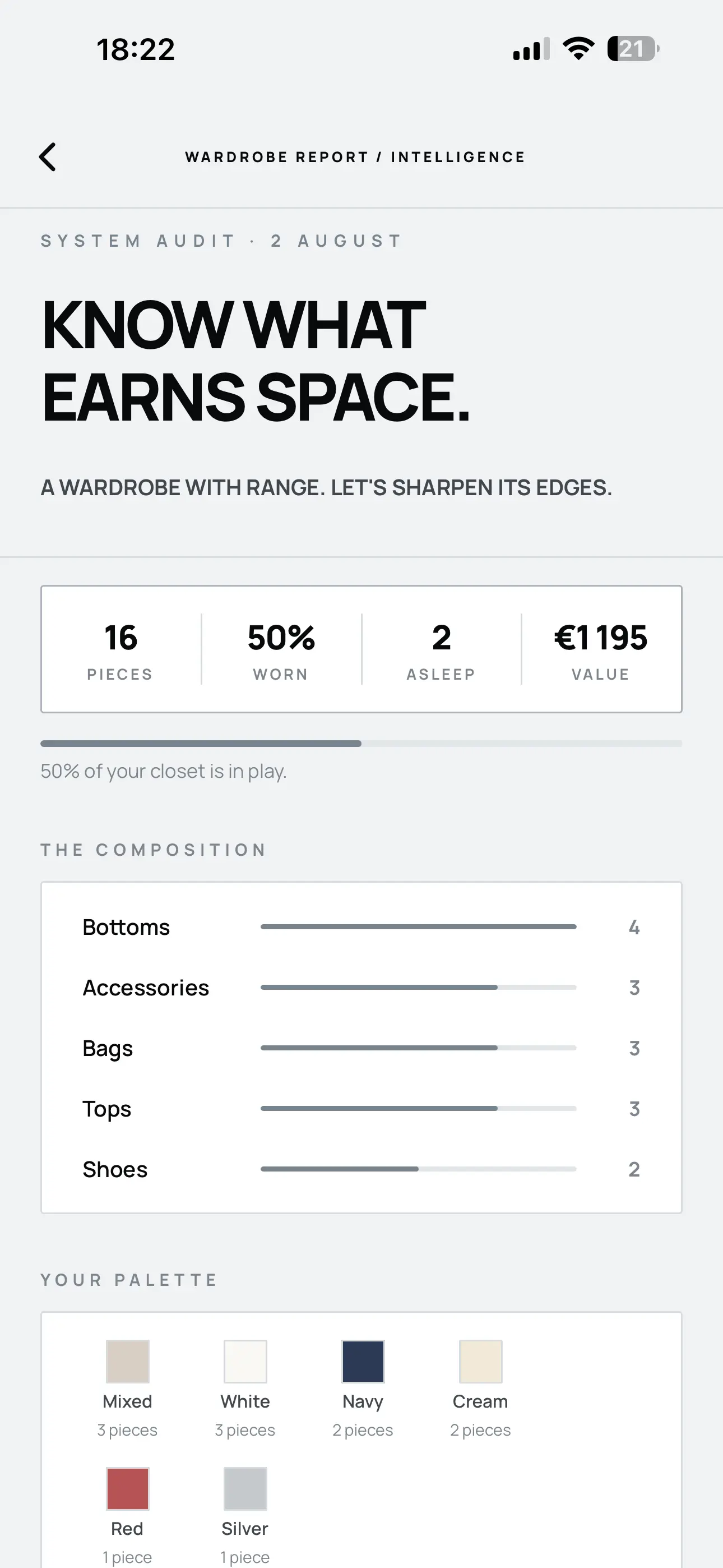
04 / Wardrobe intelligence
The Wardrobe Report turns the closet into a readable system, so the next decision starts with evidence.
Wardrobe Report is a current Premium feature.
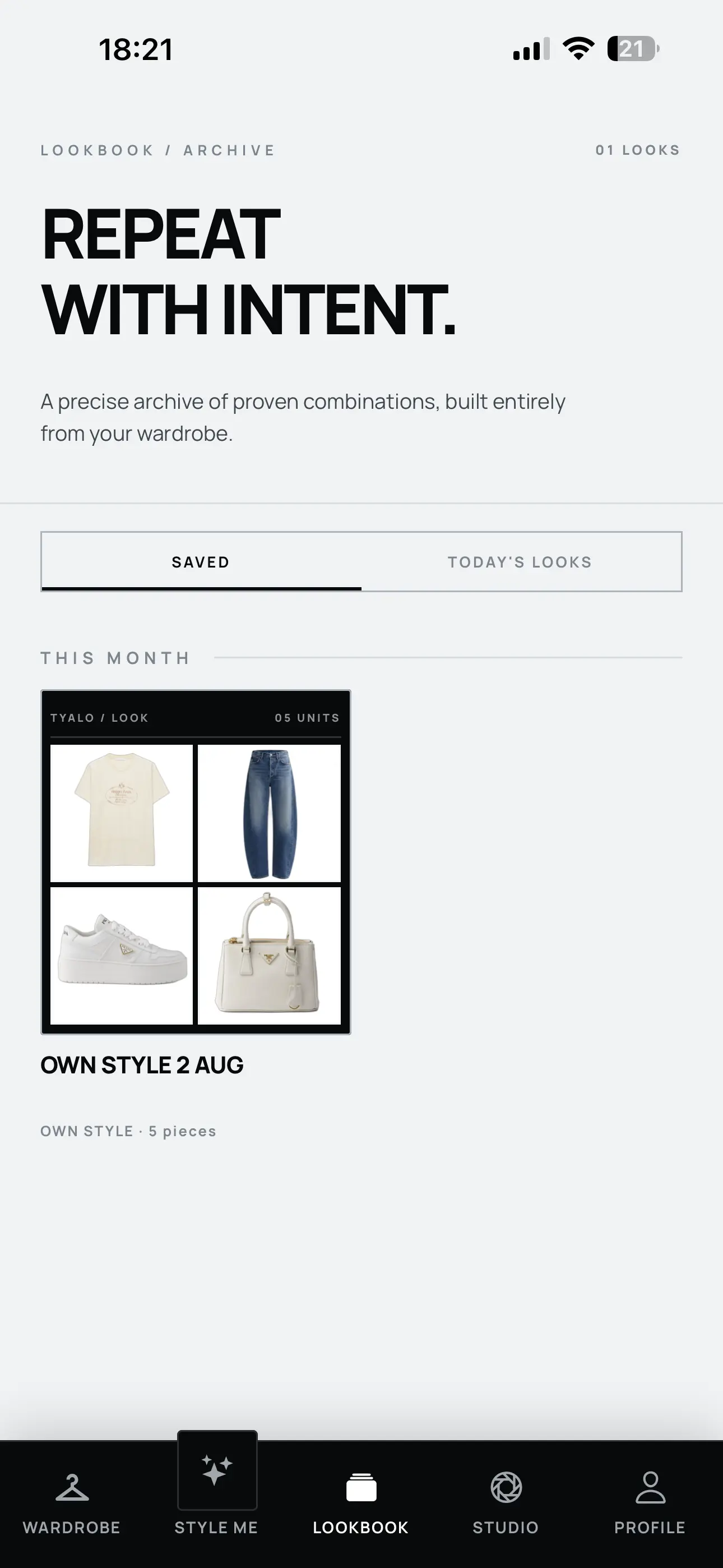
05 / Lookbook
Save combinations that work. Return to what you wore. Build an archive of looks made entirely from your wardrobe.
LOOKBOOK / ARCHIVE
TYALO / Available now
Download TYALO on the App Store.
Questions / Clear answers
TYALO includes the digital wardrobe, Add Item analysis, wardrobe organization, Own Style for free and unlimited manual outfit creation, Lookbook and saved looks, and The Wanting. Provider-backed features follow the limits shown in the app.
Premium adds AI Premium Styling with included usage limits, expanded Fitting Room access with plan-based usage limits, the Wardrobe Report, and Premium collections and themes where currently available.
No. These provider-backed features have usage limits based on your plan. The app shows the allowance available to your account.
TYALO supports Sign in with Apple and Sign in with Google.
Add Item sends a wardrobe image to the configured AI provider for analysis, and TYALO stores wardrobe images with your account. Fitting Room images are sent to the configured AI provider to produce a verdict; TYALO does not store the submitted shopping image as a wardrobe image. See the Privacy Policy for the full explanation.
Premium is purchased through Apple and verified through RevenueCat. See your localized subscription price in the Apple purchase sheet. You can restore an eligible purchase in TYALO and manage or cancel the subscription in your Apple account settings.
Active account data is deleted after confirmed account deletion. Protected backup copies may remain temporarily until normal backup expiration. Account deletion does not cancel an active Apple subscription.
Visual Atelier is Coming Soon for version 1.1. It is not a current Premium benefit.
Email hello@tyalo.app for help with TYALO, your account, or your subscription.
TYALO / Available now
Download TYALO on the App Store.